
Picture a digital marketing agency in Indore that runs lead generation for twelve clients. Every client wants to see its own leads. Every client also wants the software to look like part of its own business, not like a tool the agency happens to use.
So the agency starts looking for a white-label CRM: a CRM that carries the agency’s or the client’s brand instead of the vendor’s. The first thing it learns is that vendors use the word for very different things.
Before you compare products, decide what white-label has to cover for you. Then check each vendor against that list, not against its brochure.
Supersei is a CRM for teams that sell on WhatsApp and phone, built in India. This guide is a checklist you can use to test any white-label CRM, Supersei included.
Which sales CRMs in India let a business use its own branding and a custom subdomain?
If you search for CRM software in India, many products mention branding or white-label. Read the detail and the offers differ. Some let you add a logo to the sign-in page. Some let you change colours across the app. Fewer give each team its own workspace address, branded portals for customers and vendors, and a separate workspace for every client.
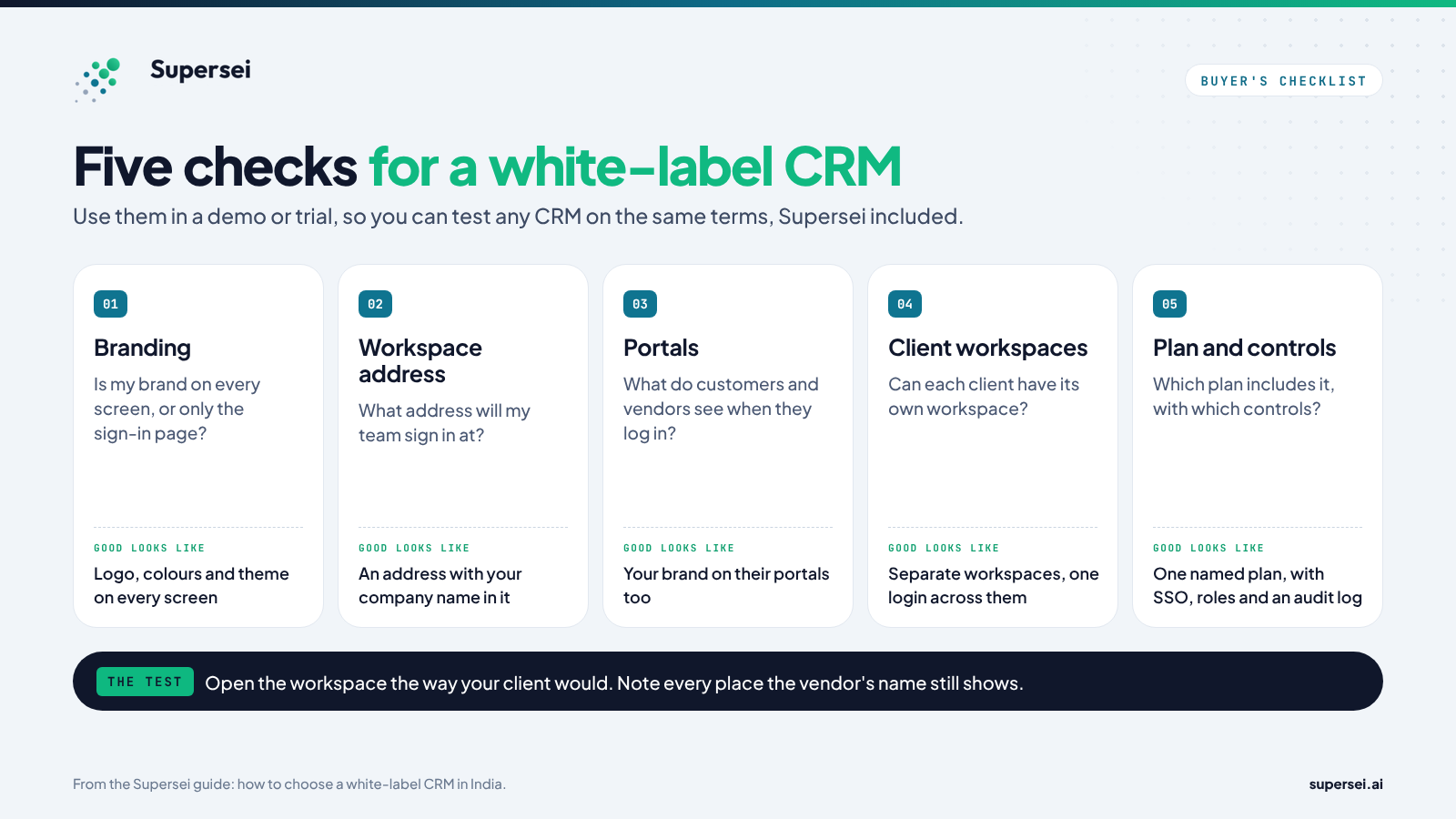
So the useful question is not only which CRMs offer white-label, but which parts each one brands, and on which plan. Table 1 lists the parts to ask about.
| What to check | Question to ask | Good looks like |
|---|---|---|
| 1. Branding | Is my brand on every screen, or only on the sign-in page? | Your logo, colours and theme on every screen your team uses |
| 2. Workspace address | What address will my team sign in at? | A workspace address with your company name in it |
| 3. Portals | What do customers and vendors see when they log in? | Your brand on their portals too, not the vendor’s |
| 4. Client workspaces | Can each client or company have its own workspace? | Separate workspaces, with one login to move between them |
| 5. Plan and controls | Which plan includes white-label, and with which controls? | One named plan, with single sign-on, roles and an audit log |
The second row needs the most care, because it is easy to misread. The next section explains why.
Is a custom subdomain the same as your own domain?
No. A custom subdomain puts your company name into the vendor’s address, in the form yourcompany.vendor.com. Your team signs in there, and the browser shows your name.
Running the CRM on your own domain, such as crm.yourcompany.com, is a different feature. It needs changes to your domain’s DNS settings and a security certificate for that address. If your clients or your IT team expect your own domain, ask the vendor directly whether it is offered and who manages those settings.
On Supersei, the white-label workspace address takes the form yourcompany.supersei.com. If you need the CRM on your own domain instead, ask Supersei about it before you buy. Either way, the address is about recognition. It does not decide who owns the data or where it is stored, so ask those questions separately.
Which white-label setup do you need?
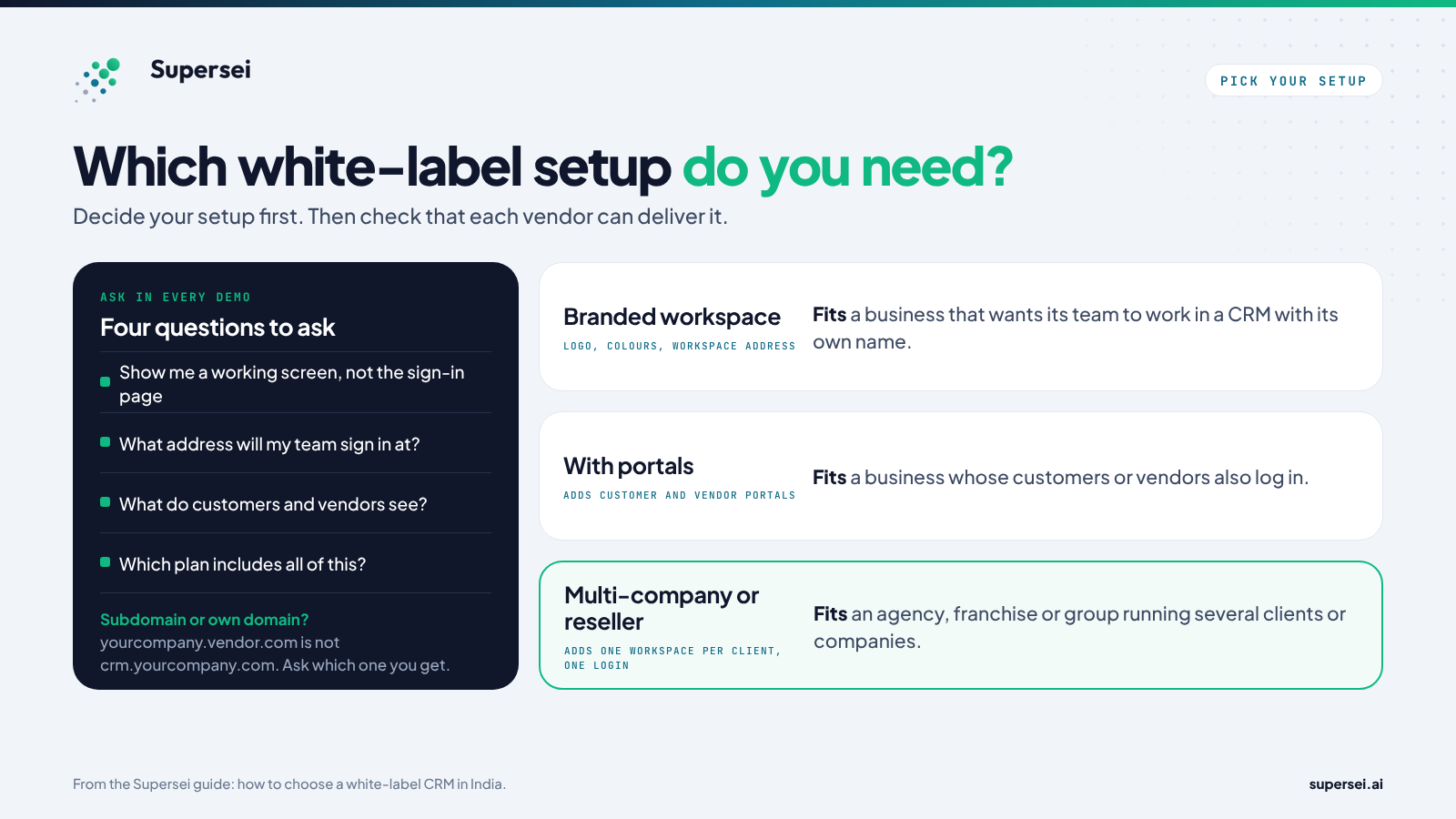
Most buyers fit one of three setups. Knowing yours stops you paying for more than you need, or promising a client something the CRM cannot do.
| Setup | Who it suits | Make sure you get |
|---|---|---|
| Branded workspace | A business that wants its team to work in a CRM with its own name | Logo, colours and theme on every screen, and a workspace address |
| Branded workspace with portals | A business whose customers or vendors also log in | Everything above, plus portals that carry your brand |
| Multi-company or reseller | An agency, franchise or group running several clients or companies | Everything above, plus a separate workspace for each one under one login and one bill |
What should agencies check before reselling a white-label CRM?
Agencies have the strictest needs, because the CRM becomes part of what they sell. Four checks matter most.
- One workspace per client. One client should never see another client’s leads, chats or reports.
- One login for your team. Your staff should move between client workspaces without a separate password for each.
- Setup you can copy. Pipelines, fields and rules you build once should be easy to copy to the next client’s workspace.
- Clear limits in writing. Ask what the agency can and cannot control inside each client workspace, and get the answer before you promise anything to a client.
Also check who can see contact details inside each workspace. Roles and field-level permissions decide which fields a rep can see, such as a customer’s phone number, which matters when you run sales teams for clients. Our article on how to stop lead poaching in sales teams covers this in more detail.
How does Supersei handle white-label branding?
Supersei offers a white-label CRM on its Scale plan. According to Supersei’s own pages, it includes the following.
- Your logo, colours and theme on every screen your team uses.
- A custom subdomain, so your team signs in to its own workspace address.
- A branded customer portal, where customers track their support tickets, and a vendor portal, where each vendor sees only its own orders and invoices. Portals are free.
- Several workspaces under one login and one bill, with setup that can be cloned between them. Agencies can resell Supersei under their own brand, with a separate workspace for each client.
- Single sign-on (SSO / SAML), a full audit log and field-level permissions.
Scale includes every Supersei app under your brand: the sales CRM, the AI agent, WhatsApp and calling, plus HR and payroll, finance, vendors and service. The features page lists everything the product does.
There is a 30-day free trial. You set up a card or UPI mandate when you start, and nothing is charged for 30 days. Prices exclude GST, so check current CRM pricing for the Scale plan before you decide.
Common mistakes when choosing a white-label CRM
1. Checking only the sign-in page
A branded sign-in page is easy to show in a demo. Ask to see a working screen and a portal as well.
2. Treating a subdomain as your own domain
An address like yourcompany.vendor.com still carries the vendor’s domain. If that matters to your clients, ask before you buy.
3. Forgetting the people outside your team
Customers and vendors who log in see the portals, not your team’s screens. Check that the portals carry your brand and how they are charged.
4. Pricing the wrong plan
White-label may sit on a higher plan than the one you trialled. Price the plan that includes branding for your whole team. A CRM comparison page helps you put the options side by side.
Three quick examples
These scenarios are illustrative examples, not real client results.
Scenario A: a marketing agency in Indore. It runs lead generation for twelve clients and wants each client to see only its own leads. Result: the agency shortlists only CRMs that give each client a separate workspace under one agency login, and drops the ones that brand only the sign-in page.
Scenario B: a distributor in Ludhiana. It works with many vendors on orders and invoices, and its customers raise support tickets. Result: branded portals matter more than the sign-in page, because outside users see the portals every week.
Scenario C: a builder group in Pune with three companies. Each company has its own sales team. Result: the group needs separate workspaces under one login and one bill, and checks that setup can be copied from one company to the next.
What should you do this week?
Step 1: Pick your setup
Use Table 2 to decide whether you need a branded workspace, portals, or several workspaces. Write it down before any demo.
Step 2: Ask six questions in every demo
- Show me a working screen with my logo and colours, not only the sign-in page.
- What address will my team sign in at, and can it be my own domain?
- What do customers and vendors see when they log in, and what do portals cost?
- How are client or company workspaces kept apart, and can I use one login across them?
- Who can see or copy customer contact details?
- Which plan includes all of this, and where is my data stored?
Step 3: Test with one real client
During the trial, set up a branded workspace with one real client’s details and run a week of real leads through its lead management screens. Then open it the way that client would. When you want to see this in your own colours, you can book a demo.
Frequently asked questions
What is a white-label CRM?
A CRM that carries your brand instead of the vendor’s: your logo, colours and theme, on a workspace address with your name in it. Some also brand the portals your customers and vendors use.
Is a custom subdomain the same as my own domain?
No. A custom subdomain puts your name into the vendor’s address, such as yourcompany.vendor.com. Your own domain, such as crm.yourcompany.com, is a separate feature, so ask the vendor which one it offers.
Can agencies resell a white-label CRM?
Some vendors allow it. Check that each client gets a separate workspace and that your team can move between them with one login. Supersei allows this on its Scale plan.
Which Supersei plan includes white-label branding?
The Scale plan. It includes your branding, a custom subdomain, SSO / SAML, a full audit log and field-level permissions. Customer and vendor portals are free.
Can I try white-label branding before I pay?
Yes. Supersei’s white-label page says you start the 30-day free trial, pick your workspace name and then add your brand. Nothing is charged for 30 days.
Can Supersei run on my own domain?
Supersei’s white-label workspace address takes the form yourcompany.supersei.com, a custom subdomain. If you need your own domain, such as crm.yourcompany.com, ask Supersei before you buy.
Bottom line
- Decide what white-label must cover before you compare.
- Look past the sign-in page.
- A subdomain is not your own domain.
- Agencies need one workspace per client and one login.
- Price the plan that includes branding.
Before you sign, open the branded workspace the way your client or customer would. If anything still shows the vendor’s name, you will know exactly what white-label means for that product.
Want to see Supersei in your own colours? Book a demo with Supersei.